Intelligent Process Automation: Keep Human Judgment in the Loop
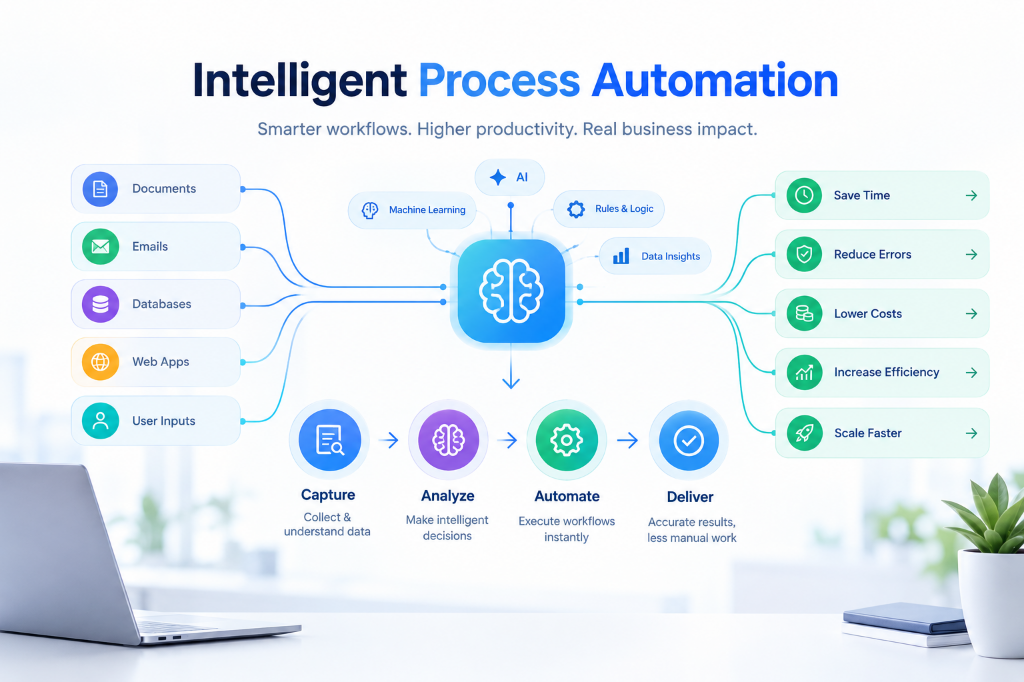
Traditional bots break the moment an invoice shifts two pixels. Intelligent automation actually reads documents like a person, pushing clear files straight through and flagging exceptions for a quick human check.
Aim for 90% speed, not 100% blind automation
Trying to automate 100% of a critical workflow is a trap that creates silent errors. A safer architecture splits operations into two high confidence streams:
Clean, standard documents and routine invoices process and sync directly into your systems in seconds without manual delays.
Unusual formats and edge cases are flagged with highlighted numbers for a quick five second human sign off so zero errors slip through.
Where teams see the fastest payoff
The biggest time savings come from document heavy workflows that require cross checking across systems:
Matching messy vendor receipts against ERP purchase orders and inventory with zero manual data entry.
Scanning IDs and bank statements to verify identities and flag mismatched or expired data in seconds.
Reading incoming requests, pulling customer history, and drafting verified replies for staff approval.
Frequently Asked Questions
How is intelligent automation different from regular RPA?
Traditional RPA mimics rigid screen clicks on fixed layouts. Intelligent automation understands context in messy text and PDFs, adapting automatically when formats change.
What operational impact can we expect from intelligent automation?
By eliminating repetitive document handling and manual verification, intelligent automation frees up your team's bandwidth to focus on core strategic tasks while keeping human judgment in the loop.